IBM Model P70 Data Recovery
History of the computer
A couple of weeks ago I was gifted an IBM PS/2 Model P70 Type 8573-061. The IBM came from a family member who had rescued it from their aunt's apartment. The computer is in great physical condition considering its age.
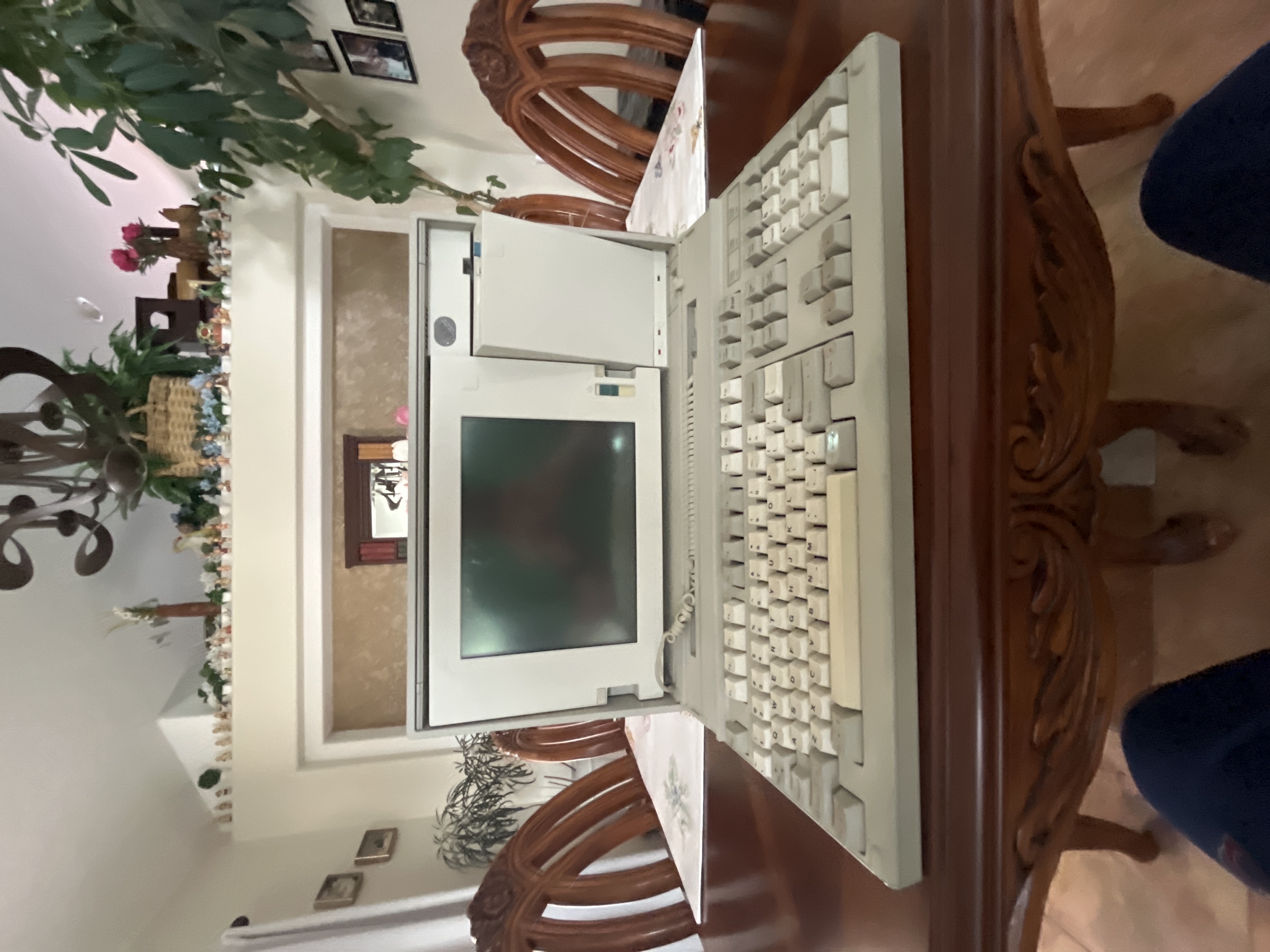
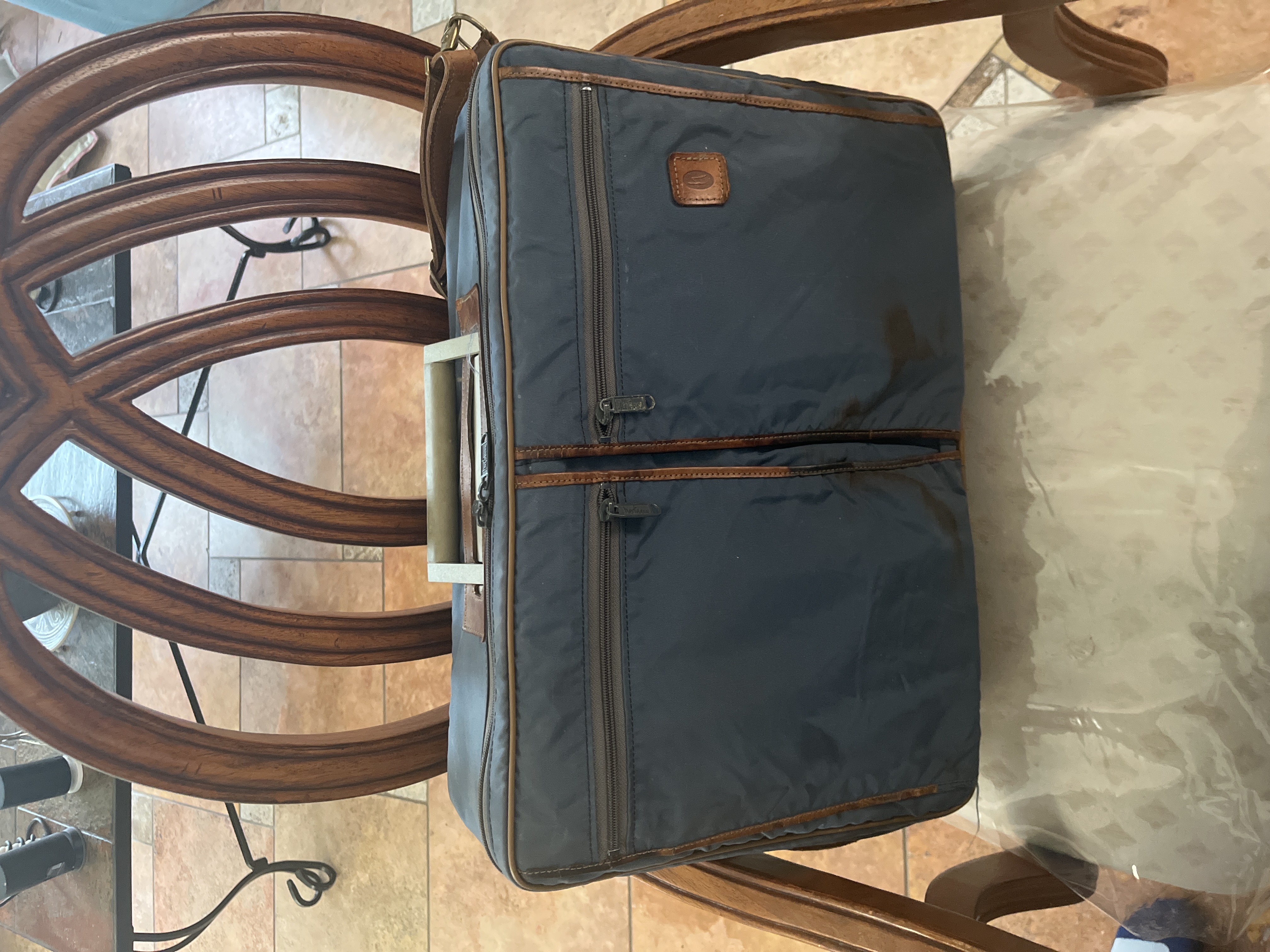
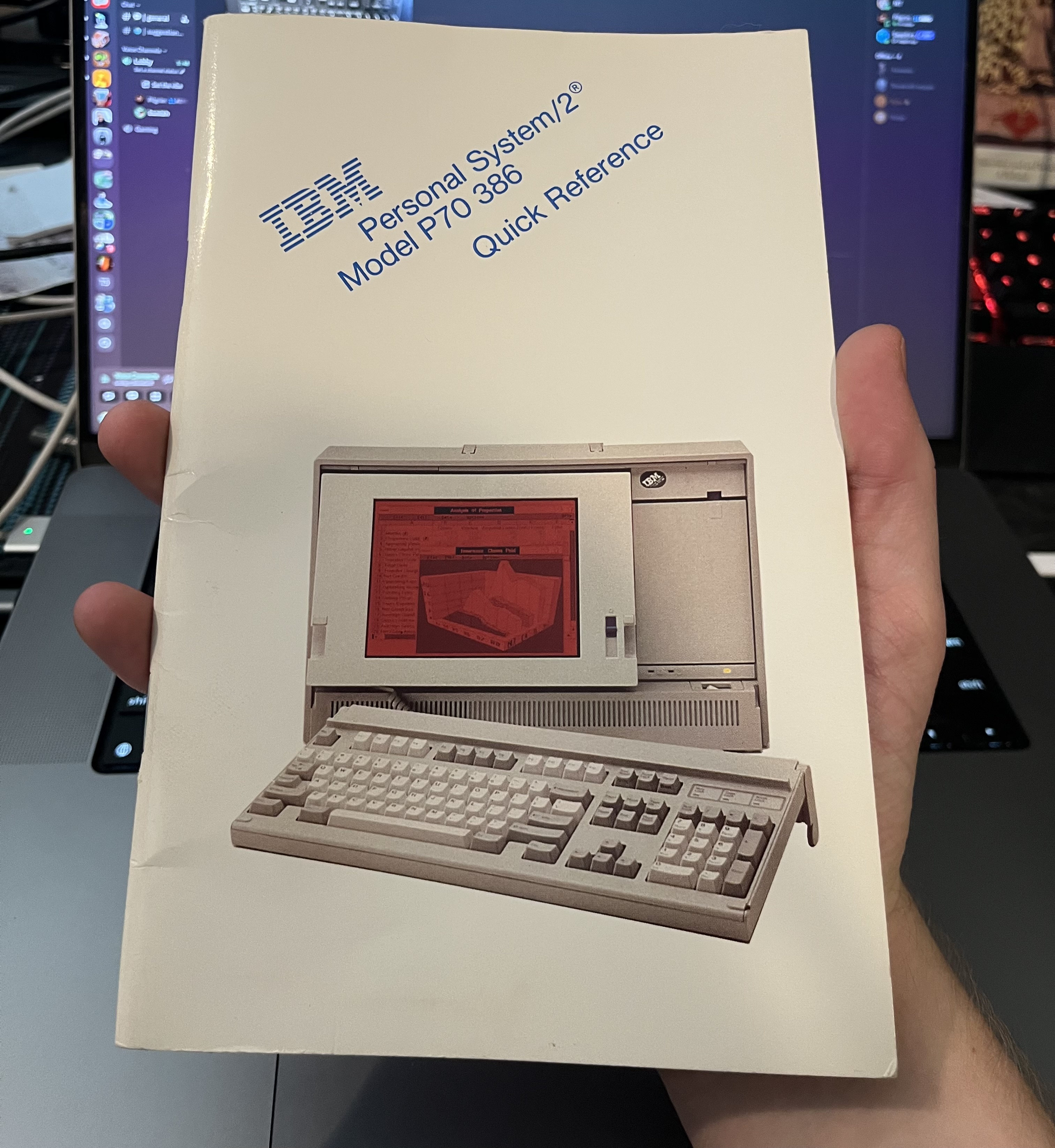
it came with a carrying case, quick reference guide and some keyboard covers.
looking over the computer I found serial number plates which included manufacturing Month
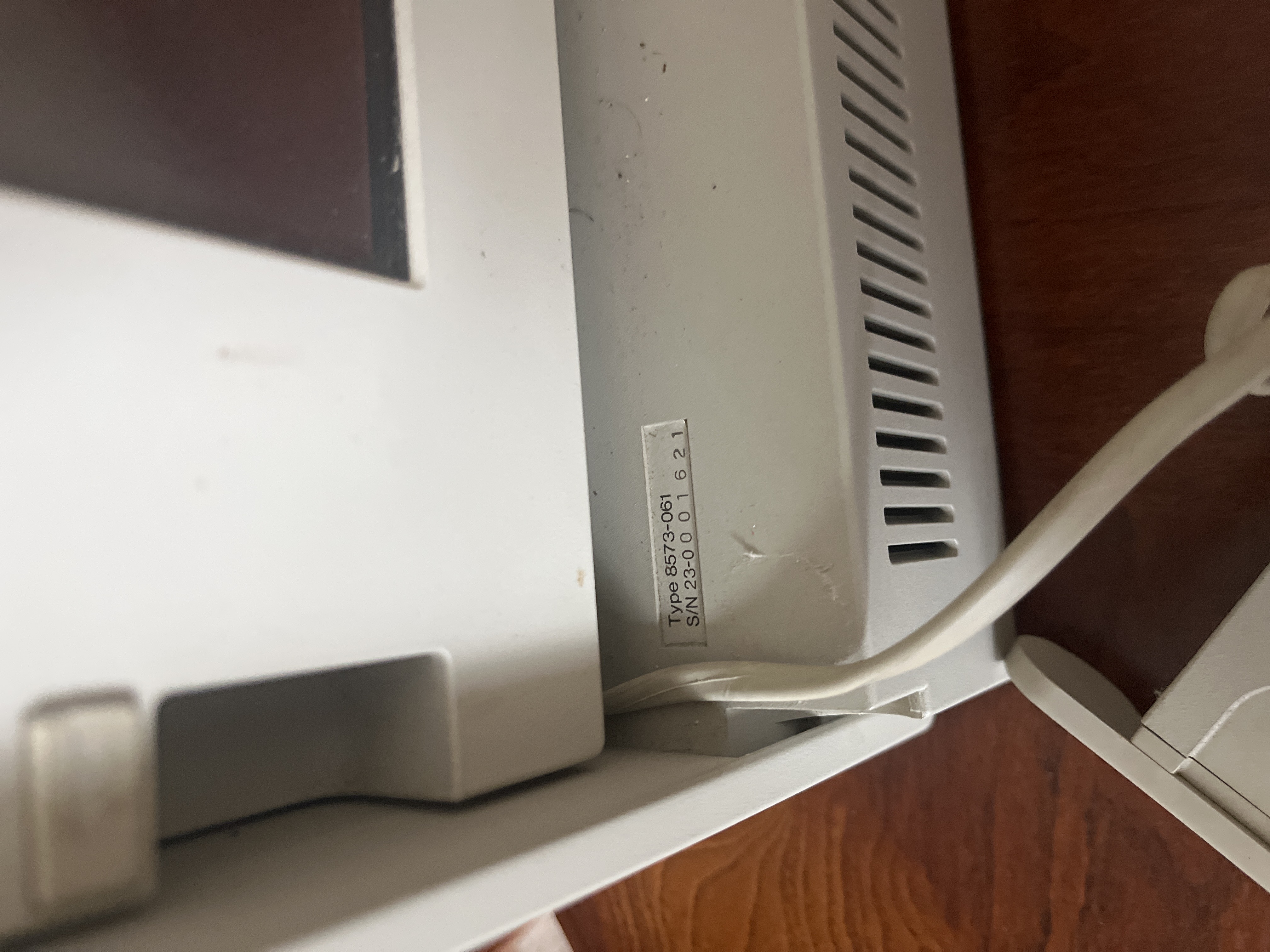
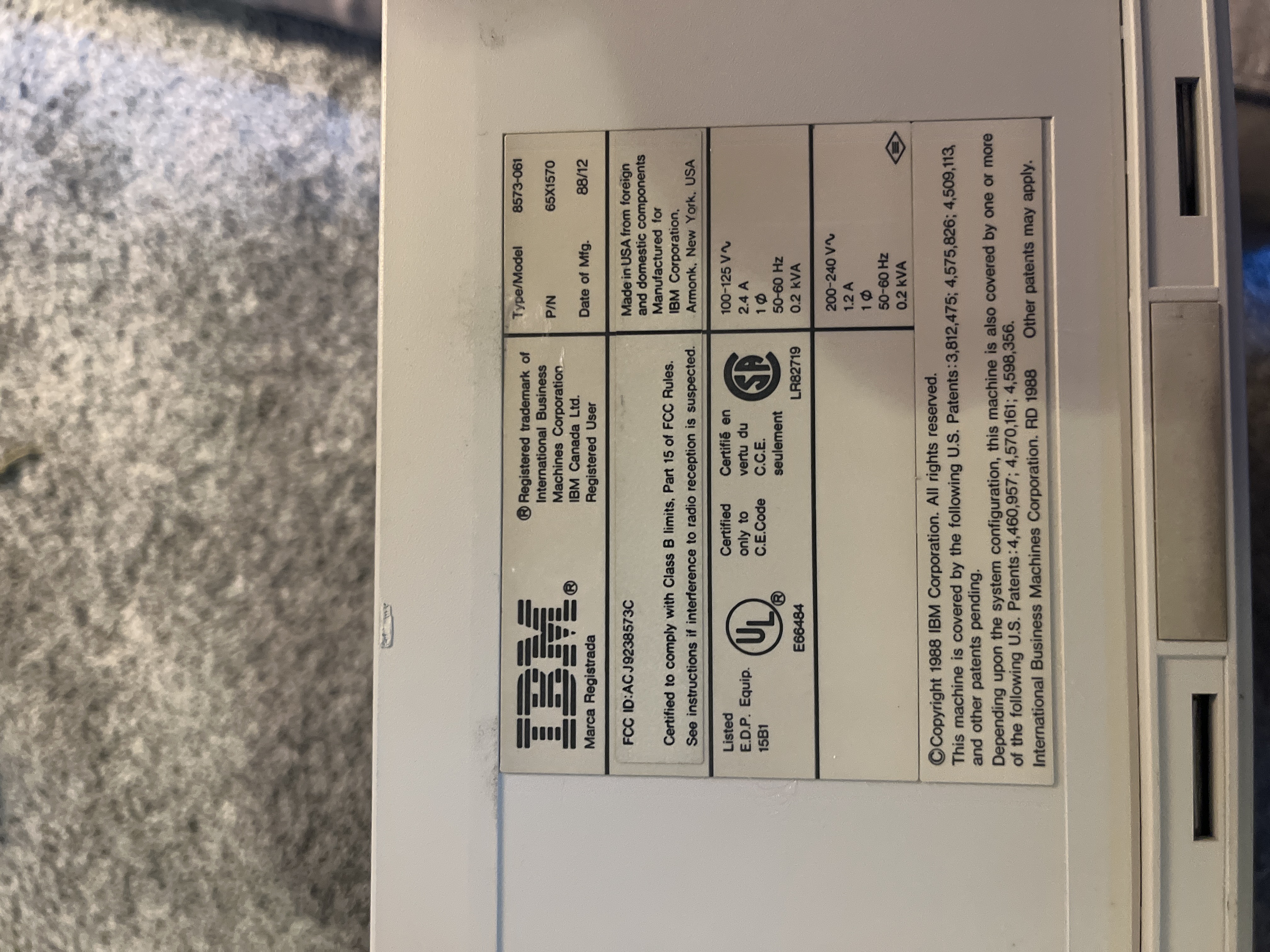
Based on this image, the computer was manufactured in December 1988 about 4 months before the release in May of 1989.
When the PC released it was US$7,695 (equivalent to $20,000 in 2026) for the base version. That is a lot of money for 1989. The family member who gave me this computer said that their aunt got it as a work computer.
The DOS system
The IBM turned on without any error codes.
I was able to navigate around the file system going up and down folder levels, but I could not get into any of the files or programs. I believe this was because the hard drive is decayed or was damaged when it was being transported at some point in its long life.
When starting up the IBM performs a memory check showing just south of 4 KB of memory. It then skips the IBM logo splash screen and goes right into a custom made Main Menu screen.
Within the Main Menu screen there are 7 programs to choose from:
- WordPerfect
- Lotus 1-2-3
- dBASE III Plus
- DOS Commands
- Mainframe
- Reserved
- Tyler
Most of these programs are the very first of that type of program and are well documented online.
WordPerfect: was one of the first word processing applications. The software is still around and still works great.
Lotus 1-2-3: was a spreadsheet program that had integrated spreadsheet calculations, database functionality and graphical charts. This was a terminal based program that lost its appeal when GUI based spreadsheets hit the market.
dBASE III Plus: was a relational database management system. This was ported over from dBASE II when the company rewrote the whole program in C with automatic code conversion tools. I am unclear on why the “Plus” was added onto the end of the name.
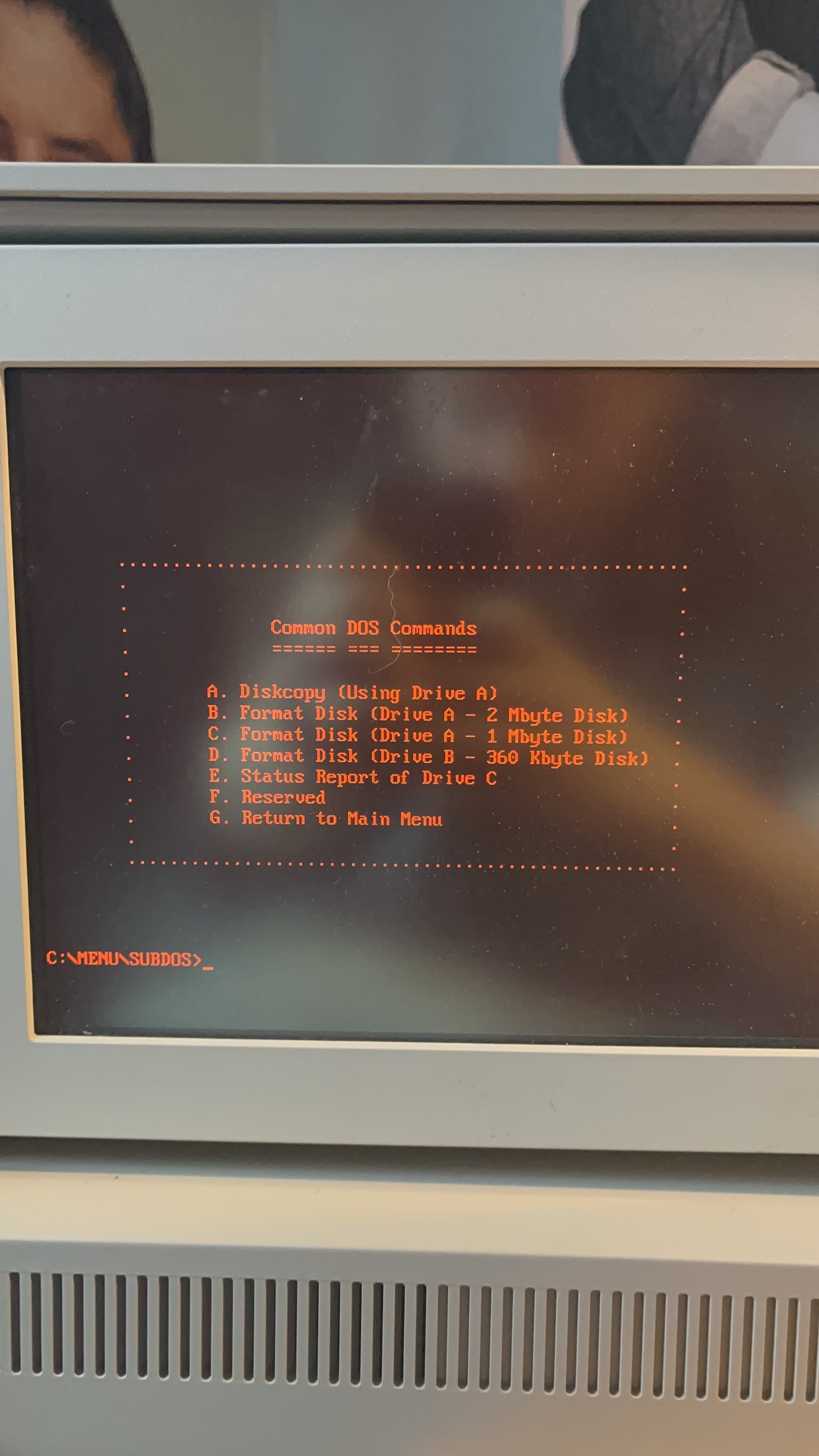
DOS Commands is just a list of DOS commands the user can run. A list of the commands is below
- A. Diskcopy (Using Drive A)
- B. Format Disk (Drive A - 2 Mbyte Disk)
- C. Format Disk (Drive A - 1 Mbyte Disk)
- D. Format Disk (Drive B - 360 Kbyte Disk)
- E. Status Report of Drive C
- F. Reserved- G. Return to Main Menu
Mainframe: This command I assume would connect to a mainframe but doesn't work anymore.
Tyler This is the most interesting of all the commands because this program seems to have no digital foot print. The program is copyright 1987 by the Matchups company which has also been lost to time. There are a two other programs made by Matchups on the computer Hangman and Jotto.
The Tyler Mystery
The Tyler game really grabbed my attention because of its name and its seemingly non-existent digital footprint. Before I attempted to extract any data from the computer I talked to a few people about the computer, trying to understand what the Matchups company and Its programs could have been. When at a work party I got to talking with a person whose dad had worked at IBM back in the 80's. She had one of these computers briefly as a kid and she told me that Tyler was a crossword puzzle game played against the computer. She also confirmed to me that the installation of DOS had to be custom.
Attempts to extract Tyler
My first attempt at extracting data from the computer was using the integrated floppy drive. I ordered some 3.25 inch floppy disks from amazon and a floppy disk reader for my Mac. When I got the floppy disk I inserted one into the computer but nothing happened and I kept getting an error saying.
Sector not found error reading drive A
Abort, Retry, Fail?
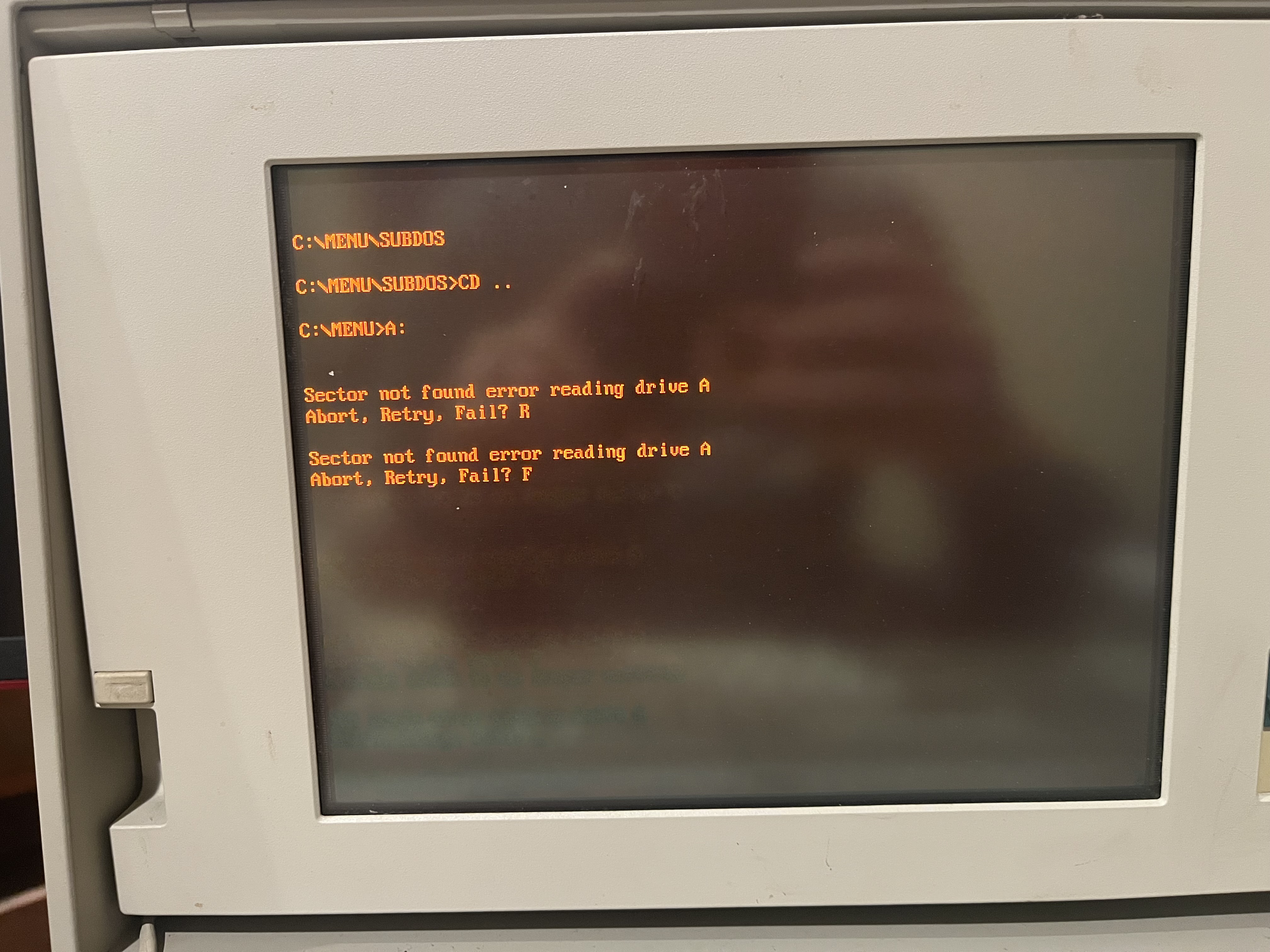
I was confused as to why this was happening,So I took apart the floppy drive to see what was happening.
taking apart the drive was difficult. The connector probably hadn't moved in 30 years
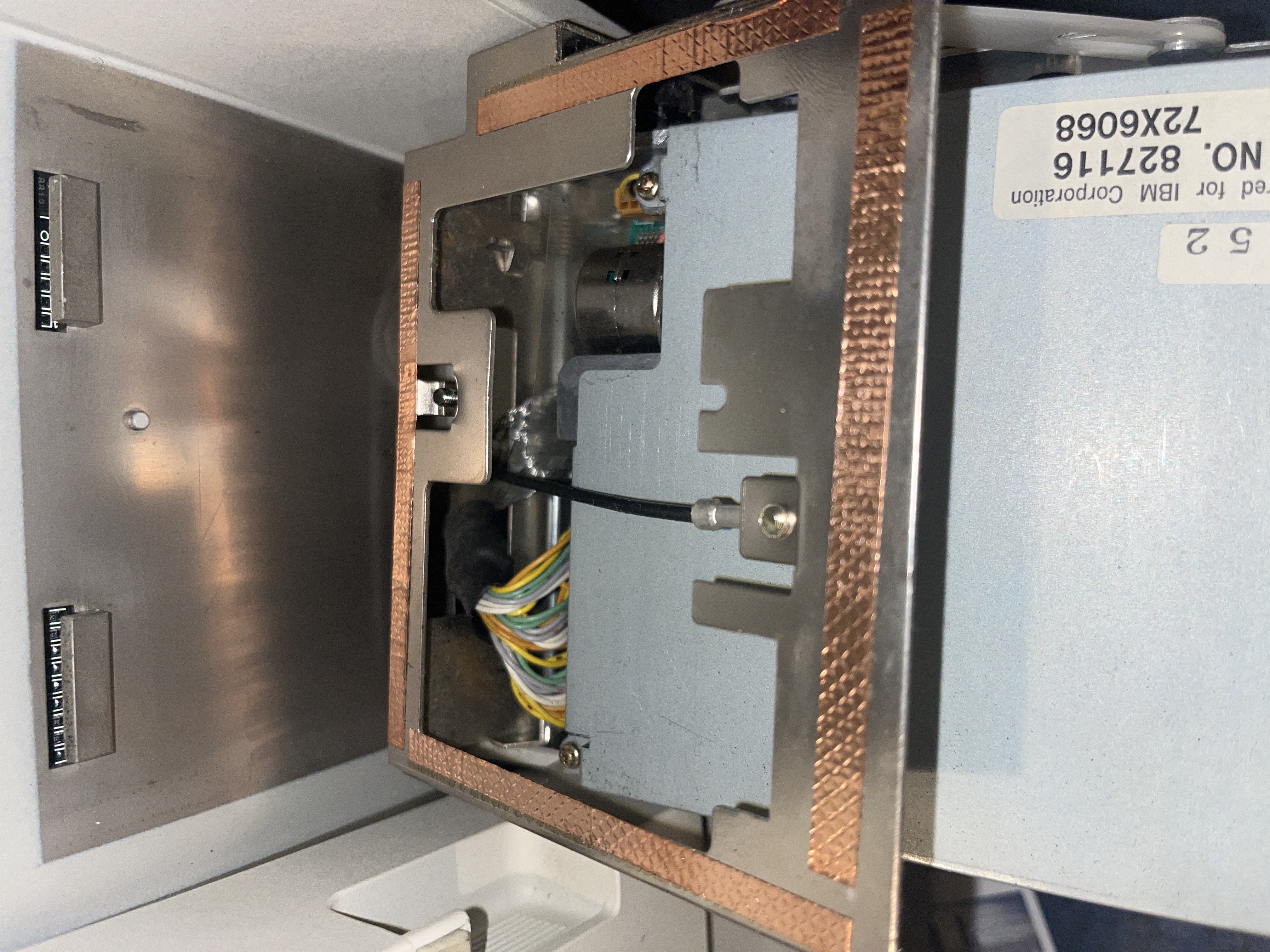
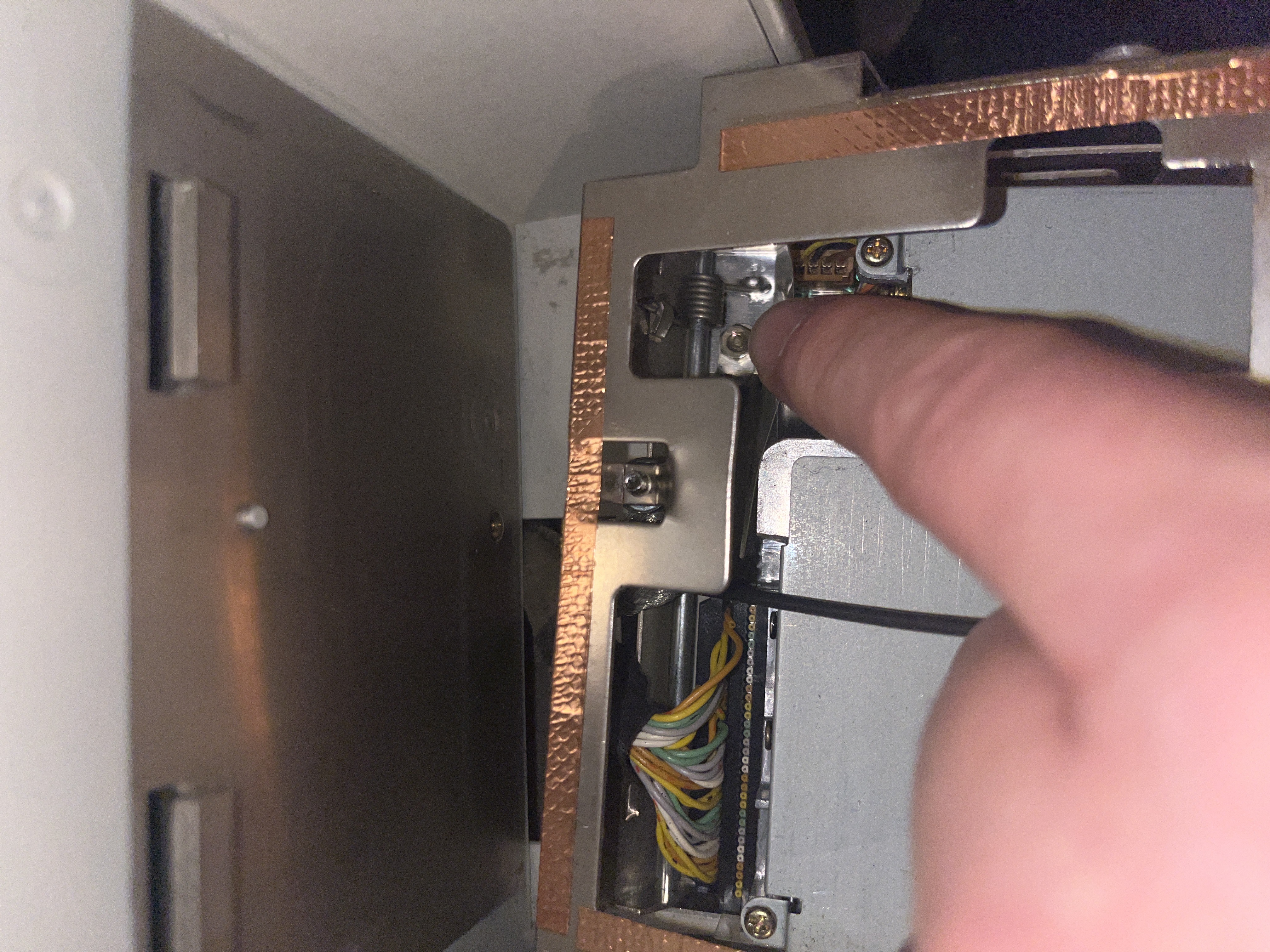
I ran the floppy drive a couple more times with the housing removed so I could see what was happening. the reader head would not move when a A floppy disc was inserted. I thought this was weird and kept trying to get the head to move but the stepper motor failed on me. No noise or movement, so I took the stepper motor off and looked at the head assembly.
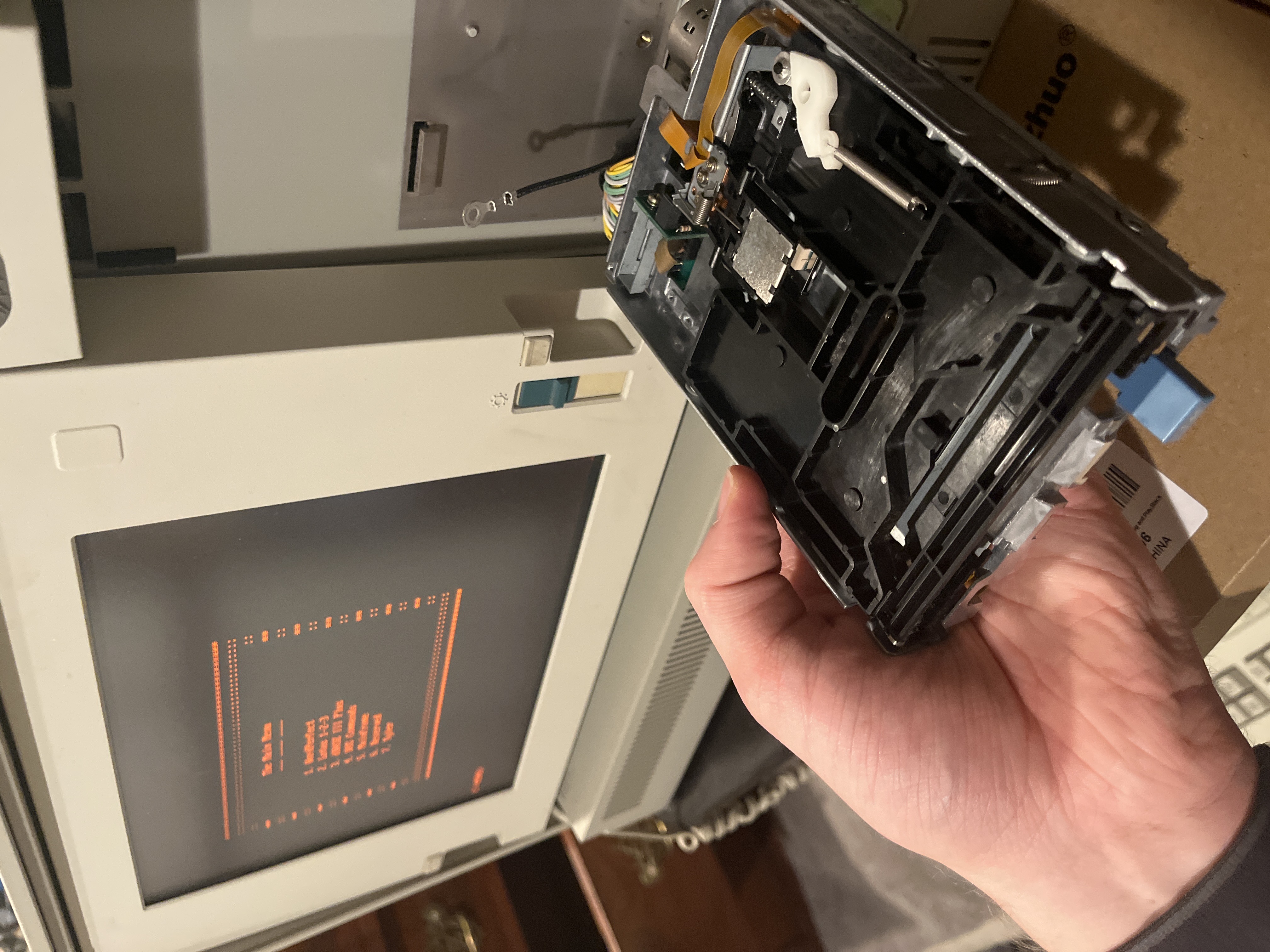
The head assembly moved with no stuttering or catching when testing by hand. I'm not sure why the stepper motor failed (yet).
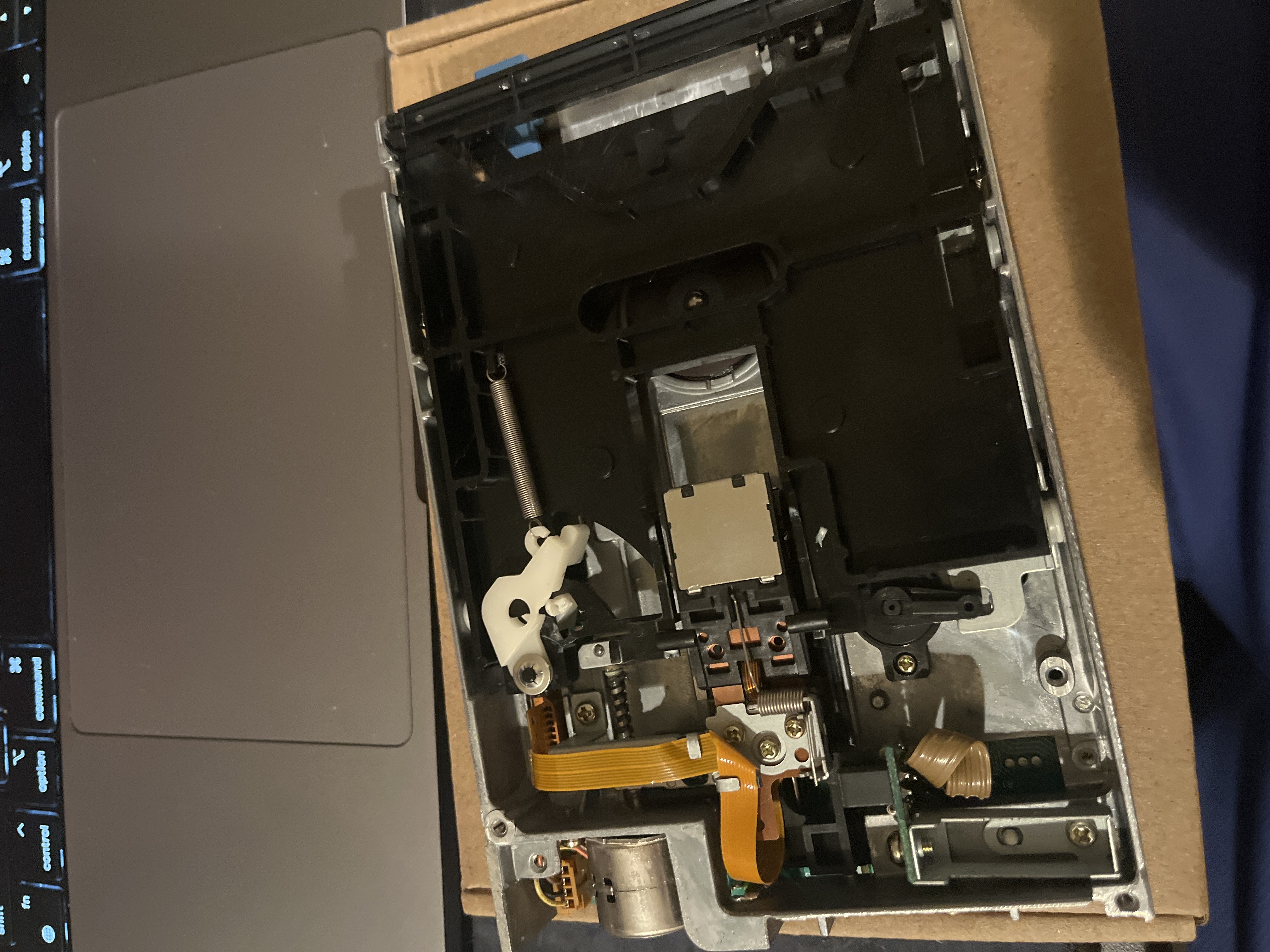
My goal now is to see if i can find a replacement stepper motor for the floppy drive and possibly try and image the drive to save the custom OS.
Once I make some more progress, I'll come back and update the post with results.